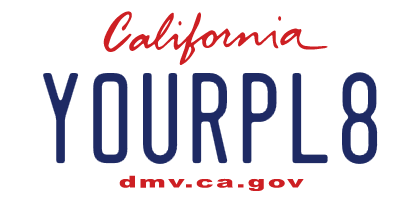
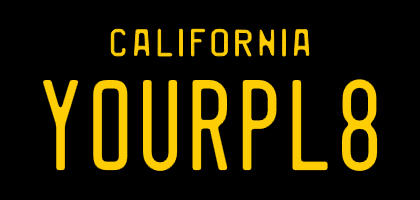
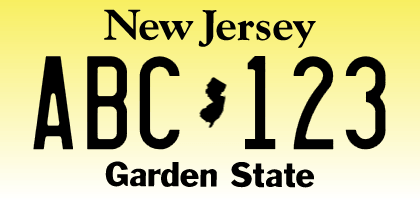
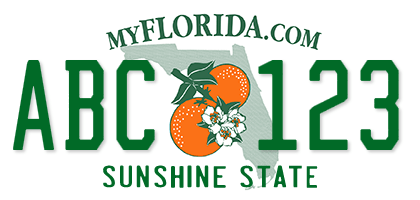
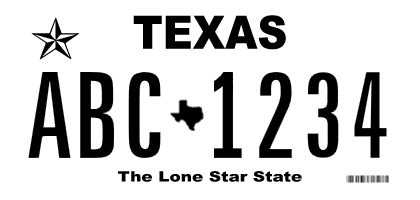
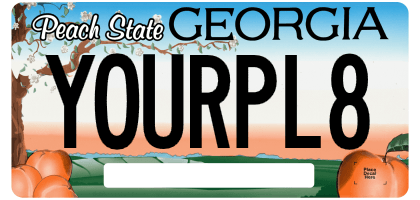
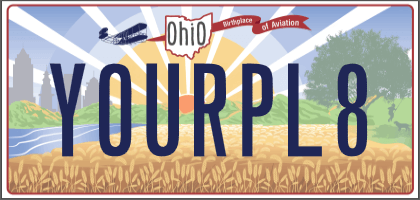
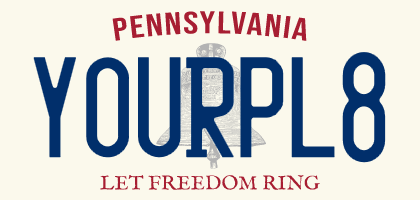
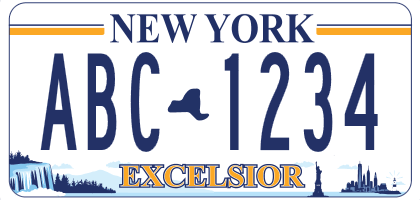
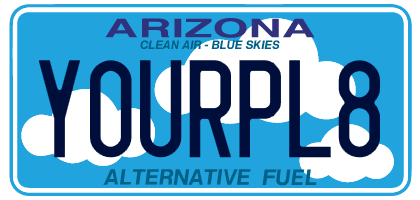
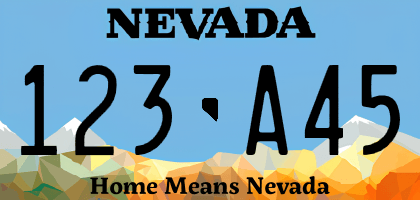
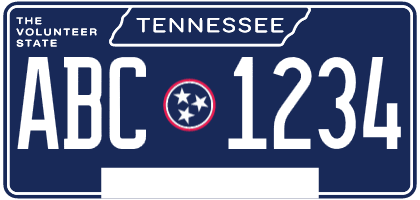
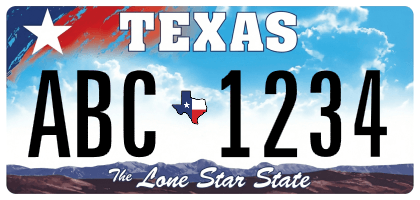
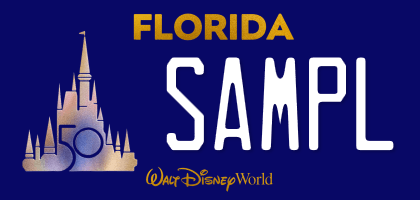
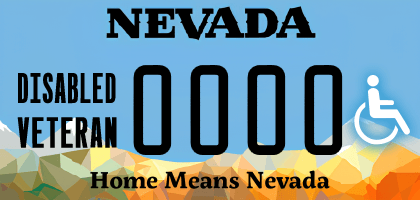
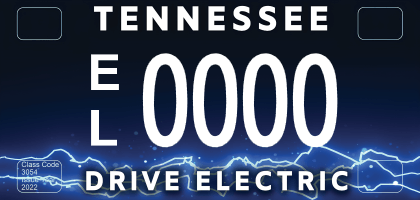
Custom license plate images
for vanity plate visualization, Tesla, and custom projects.
Pick a plate design, add your own text, then tune the available options. A preview is generated live using the correct fonts and symbols for your selected plate, download it for your Tesla or any custom project.
- Tesla-Compatible Resolution
- 420×200 supported for all plates
- Safe & Secure
- Visualizations are generated offline
Products & offers
Some links below are affiliate links. As an Amazon Associate, we earn from qualifying purchases at no additional cost to you.
Don't see your state or specialty plate? Sponsor a plate to get it added fast*
Sponsor any US/CA jurisdiction design and we will research, design, and publish it to the generator. Most plates are added within 3–4 business days.
*Turnaround time may vary depending on time availability and complexity of the plate design. If the plate cannot be completed within 2 weeks, you will receive a refund.
Products & offers
Some links below are affiliate links. As an Amazon Associate, we earn from qualifying purchases at no additional cost to you.